

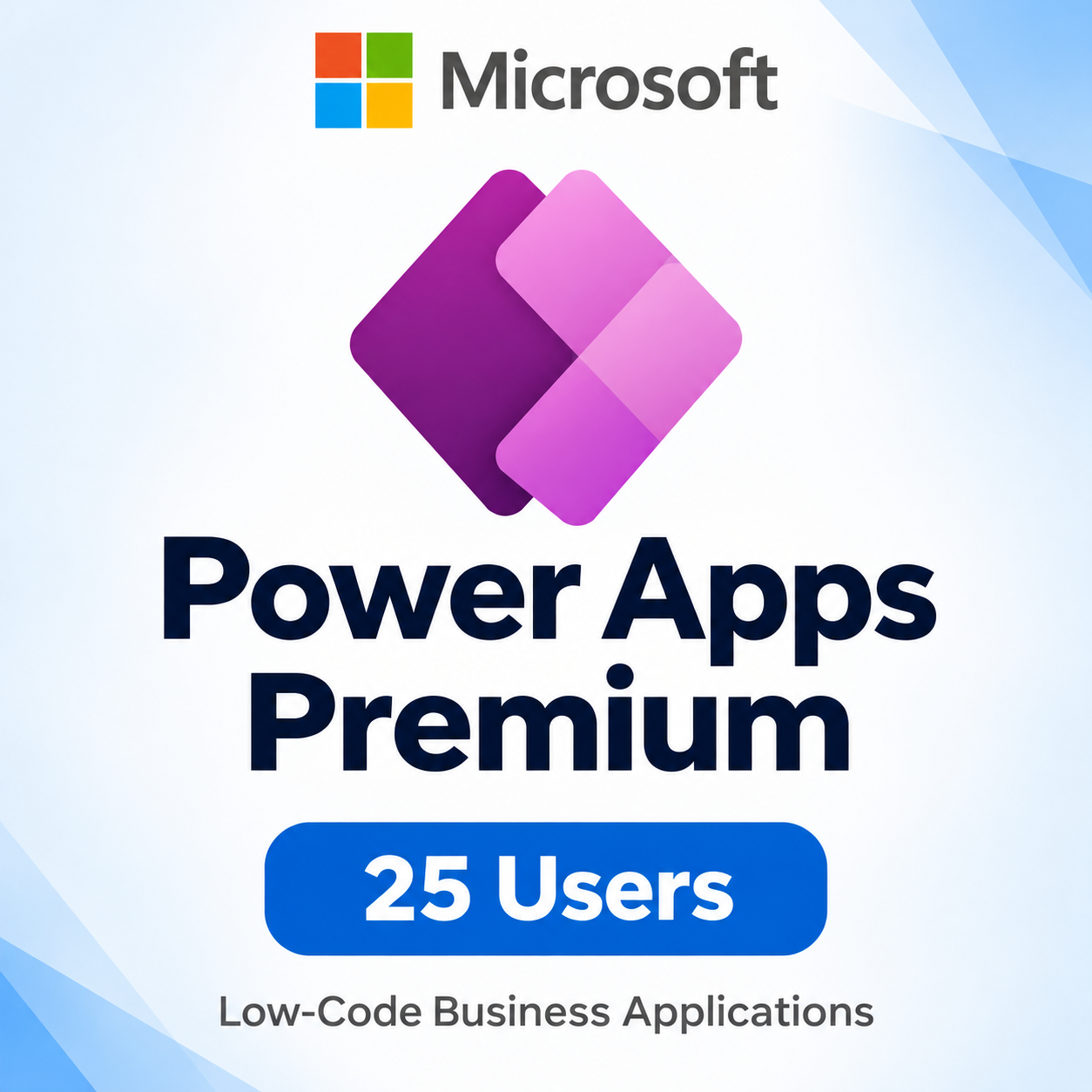
Microsoft Power Apps Premium – 25 Users [Subscription]
$500.00
Microsoft Power Apps Premium 25 Users enables your team to build and run custom business applications with low-code tools.
• 25 individually licensed users
• Unlimited custom apps for assigned users
• Standard, premium, and custom connectors
• Microsoft Dataverse capabilities
• App-related workflow automation within licensing limits
Subscription term as specified in the offer. Connected services may require separate subscriptions.
Microsoft Power Apps Premium 25 Users
Microsoft Power Apps Premium 25 Users helps organizations build and run custom business applications for 25 individually licensed users. Bring everyday processes into apps that connect business data, guide users through tasks, and reduce reliance on disconnected forms and spreadsheets.
Power Apps Premium is a per-user subscription. Each assigned user can create and run unlimited custom applications under the applicable Microsoft licensing terms. This makes it suitable for teams that need access to several business apps rather than a single application.
Build Applications Around Your Business
Every organization has processes that standard software does not fully address. Power Apps provides a low-code approach to creating applications around those requirements, helping teams turn operational needs into practical tools.
For example, a business could develop an application for equipment requests, another for tracking inspections, and a third for recording customer follow-up activities. These are potential development scenarios rather than ready-made applications supplied with the subscription.
Start by identifying a specific task, the information users need, and the outcome the application should support. A focused initial project makes it easier to test the design and improve the experience before expanding its scope.
Connect Applications to Business Data
Useful applications need access to relevant information. Power Apps Premium supports standard, premium, and custom connectors, enabling integration with supported services and business systems.
Custom connectors can help connect an application to an appropriate API when a suitable prebuilt connector is unavailable. Connections to on-premises systems may require a configured gateway and additional technical setup.
Access to a connector does not include a subscription to the connected application. Data access remains subject to service permissions, authentication requirements, connector limitations, and the licensing terms of each connected system.
Work with Microsoft Dataverse
Power Apps Premium includes Microsoft Dataverse capabilities for storing and managing business application data. Organizations can use tables and relationships to structure information around their operational requirements.
Dataverse can support applications that need related records, consistent data structures, and controlled access. For example, a service request application could organize customers, requests, assignments, and status information into connected records.
The subscription includes Dataverse capacity entitlements that accrue at the tenant level. Storage is subject to the applicable capacity limits, and additional capacity may be required as the volume of business data grows.
Support App-Related Workflows
Applications often need supporting automation, such as notifying a colleague when a request is submitted or updating information after an approval step.
Power Apps licenses include limited Power Automate use rights for workflows associated with the application. These rights apply within the app context and should be assessed against Microsoft’s current licensing requirements.
Standalone automation unrelated to the application may require separate Power Automate licensing. Desktop robotic process automation is not included through these Power Apps workflow rights.
Practical Uses for a 25-User Team
Operations teams could create tools for recording site checks, tracking equipment, and following up on outstanding work. Administrative teams could organize internal requests and maintain shared business records.
Sales and customer service teams could build applications that capture interaction details and guide employees through consistent follow-up steps. Human resources teams could create internal forms and track onboarding activities.
The right application design depends on the organization’s processes, data sources, and security requirements. Development, configuration, testing, and ongoing maintenance are required to turn these examples into working solutions.
Product Details
- Product: Microsoft Power Apps Premium
- License type: Per-user subscription
- Quantity: 25 licensed users
- Application rights: Unlimited custom apps for each assigned user
- Connectivity: Standard, premium, and custom connectors
- Data platform: Microsoft Dataverse
- Subscription term: As specified in the purchased offer
Setup and Licensing Requirements
A suitable Microsoft organizational tenant and appropriate administrator permissions are required. Assign a license to each user who needs the Premium rights provided by this subscription.
Sharing an application does not automatically provide licenses to additional people. Users must have the appropriate entitlement and the necessary permissions to access the application and its underlying data.
Before deployment, confirm the subscription term, tenant eligibility, and delivery arrangement stated in the offer. Review connected service requirements and test the application with representative users before making it part of daily operations.
Reviews
There are no reviews yet.